PRE-ORDER NOW OPEN


Somewhere along the way, we traded the warmth of a voice for the convenience of a screen. For us, it's a constant flood of group chats and notifications. For our parents, it's confusing menus, software updates, and the fear of scammers. And for our kids, a smart device is just a gateway to addictive algorithms.
Calling Granddad shouldn't require navigating an iPad, and saying hello shouldn't mean competing with a newsfeed. We didn't need another app. We just needed to talk.
The family phone is back.
and this time, you are in chargeRello is a family phone that sits in the livingroom, kitchen or bedroom, ready to be picked up. No screens, no browsers, no screen-time arguments. You decide who it calls, when it calls, and who can get through. You stay in complete control from an app on your smartphone, without them ever touching a settings menu.
NO SCREENS. NO SCROLLING. NO STRANGERS.

A physical button for every person they love. Dial *1 for Mum, *2 for Dad. Assigned by you in the Rello App, meaning there are no long numbers to memorise. No menus, no text to read, no distractions.
TOTAL CONTROL.
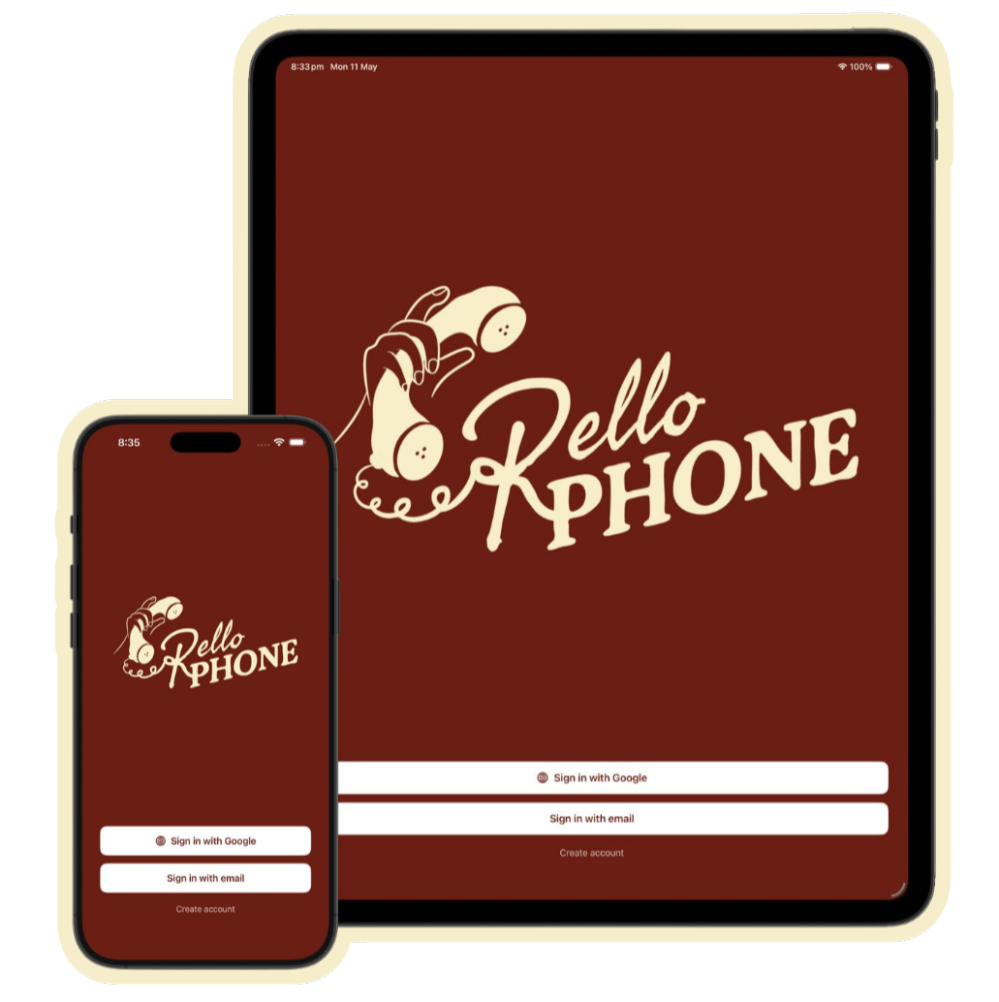
For young children or parents who struggle with menus, you initiate the call from the Rello App. You tap, their phone rings, and they just pick up. You stay in total control, managing Approved Contacts and adding local or international numbers from anywhere.
BUILT FOR EVERY GENERATION.

A desk phone is instantly understood by everyone. There is no learning curve. From the three year old who can't dial yet to the grandparent who can't face another software update, it is the exact same phone, managed by you.
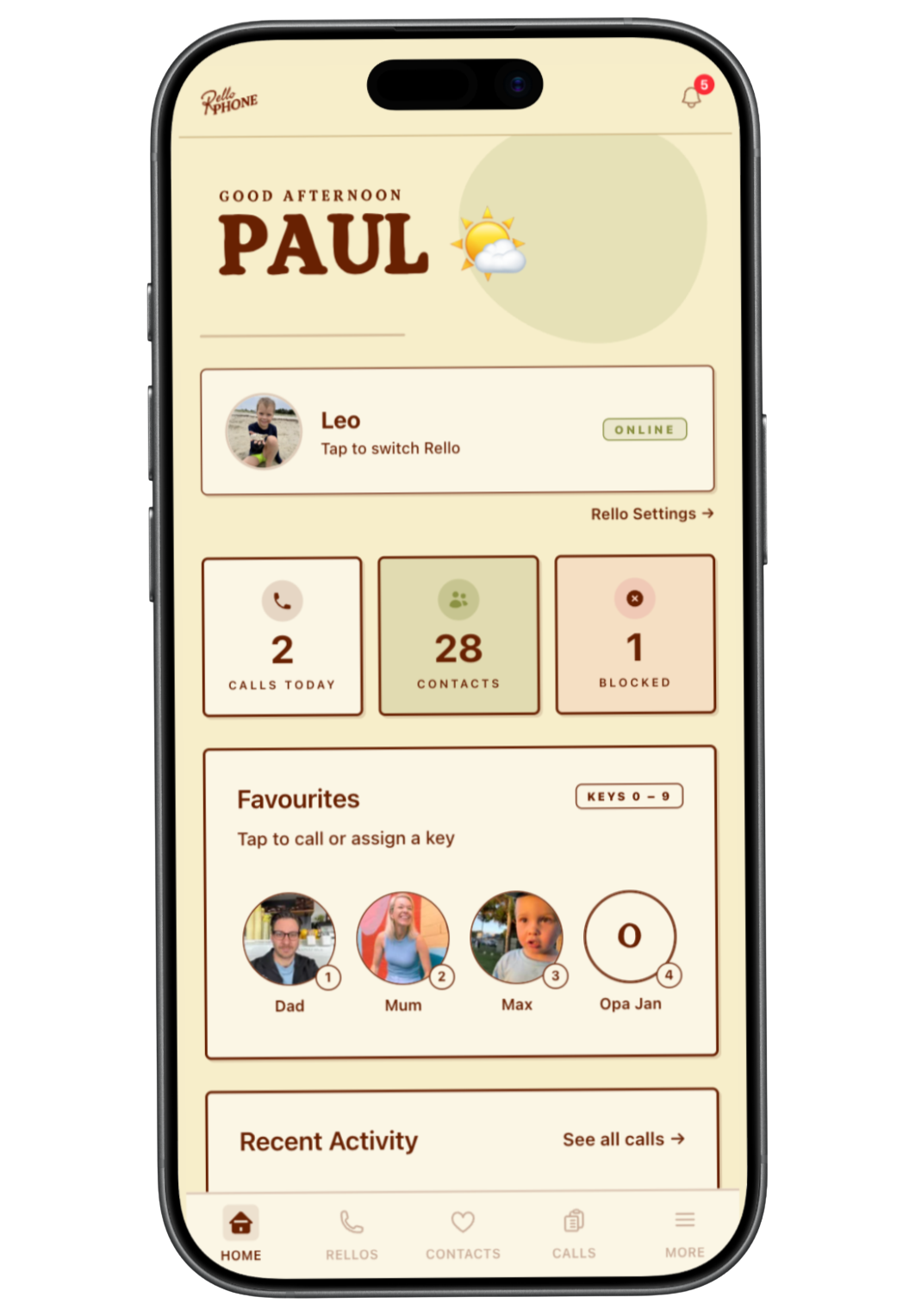
It is a real, physical desk phone. Simply plug it into the wall and link it to the Rello App. There are absolutely no apps to install on their end, and no passwords for them to forget.
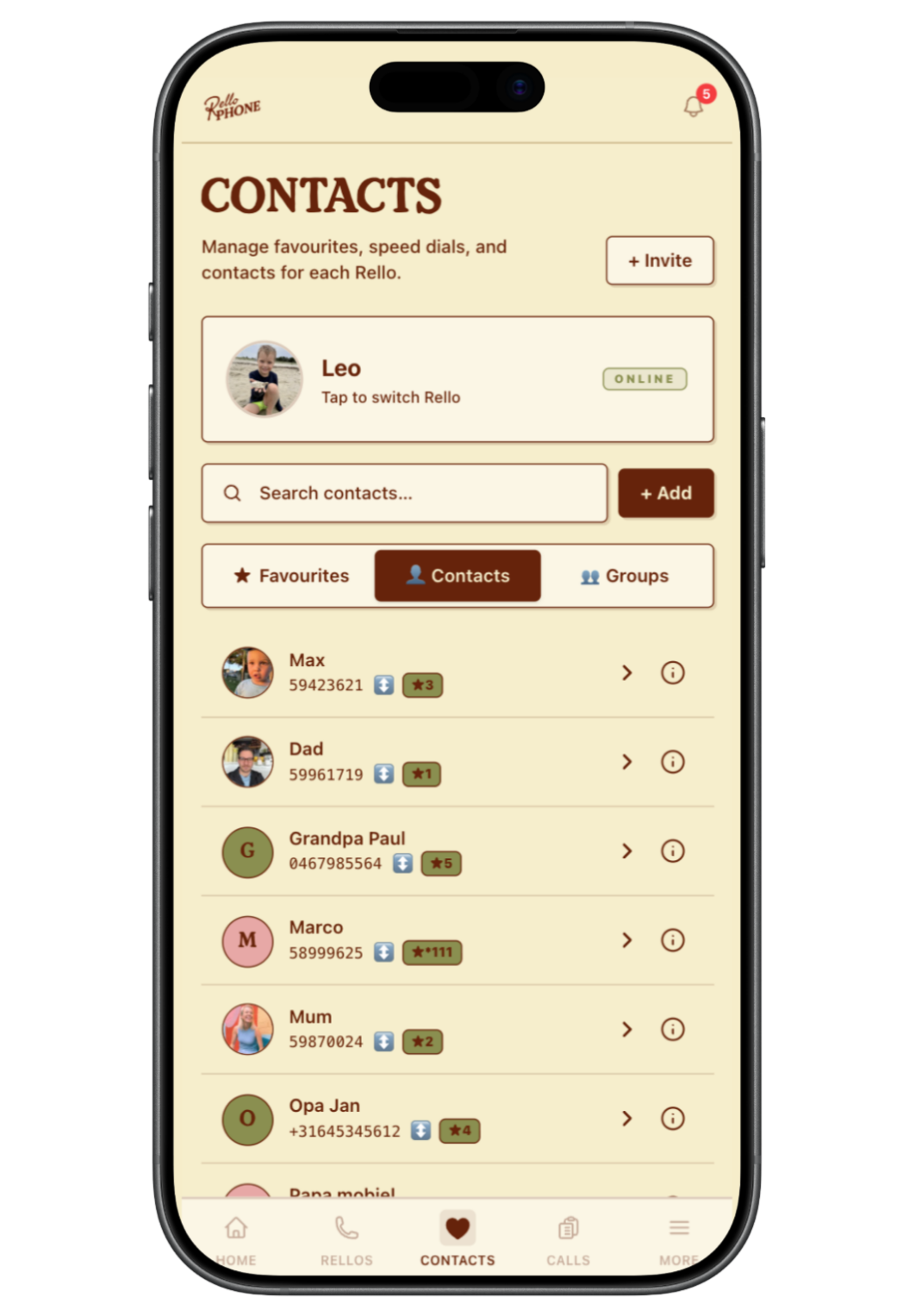
Use the Rello App to add Approved Contacts. You can create trusted Rello Groups, like your family or care network, so calls between members are automatically allowed without adding them one by one. Keep it strictly closed, or leave it open.
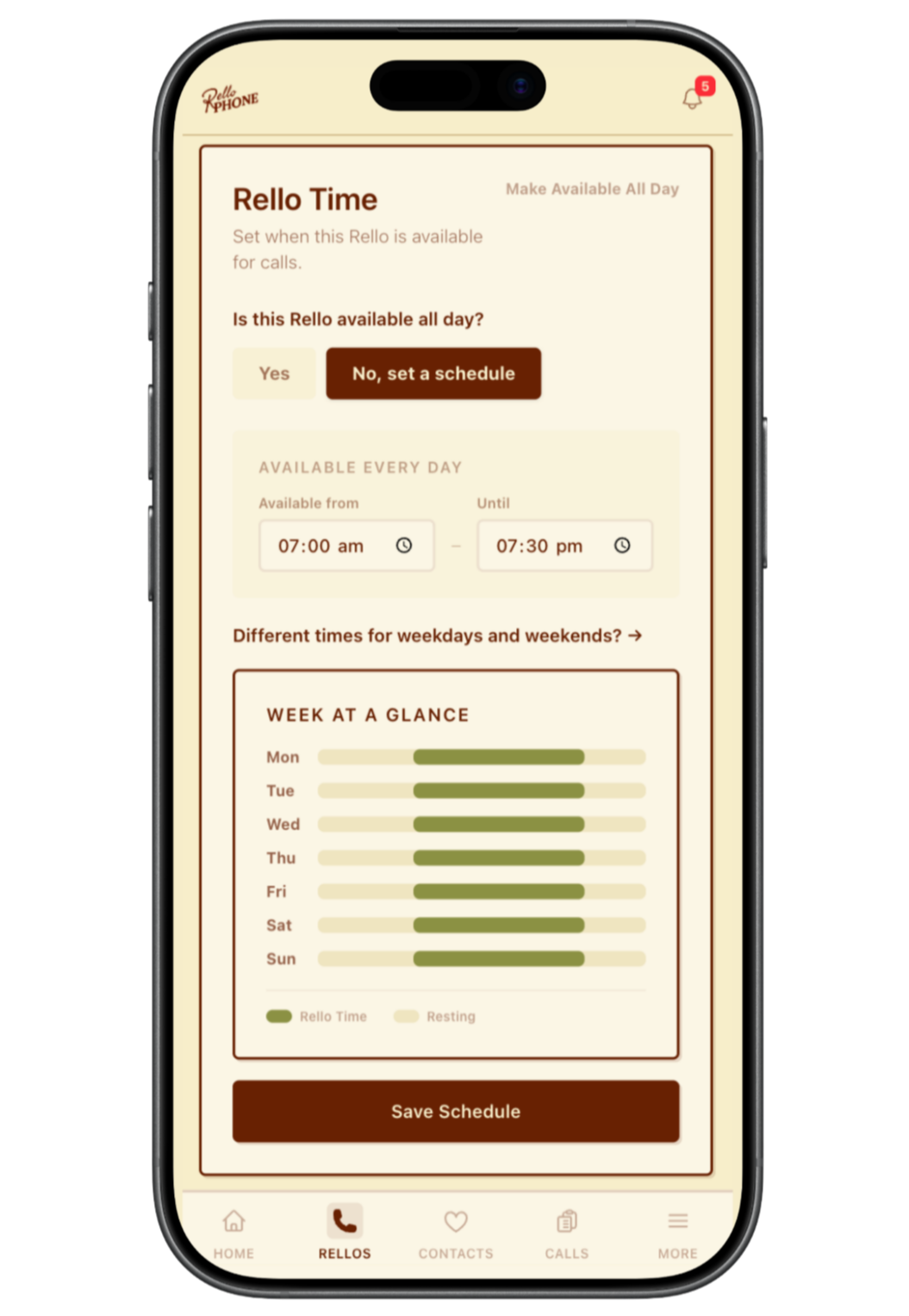
Check call history, update contacts, or call them directly from your smartphone. You can even set specific calling hours per device, ensuring the phone never rings after bedtime.


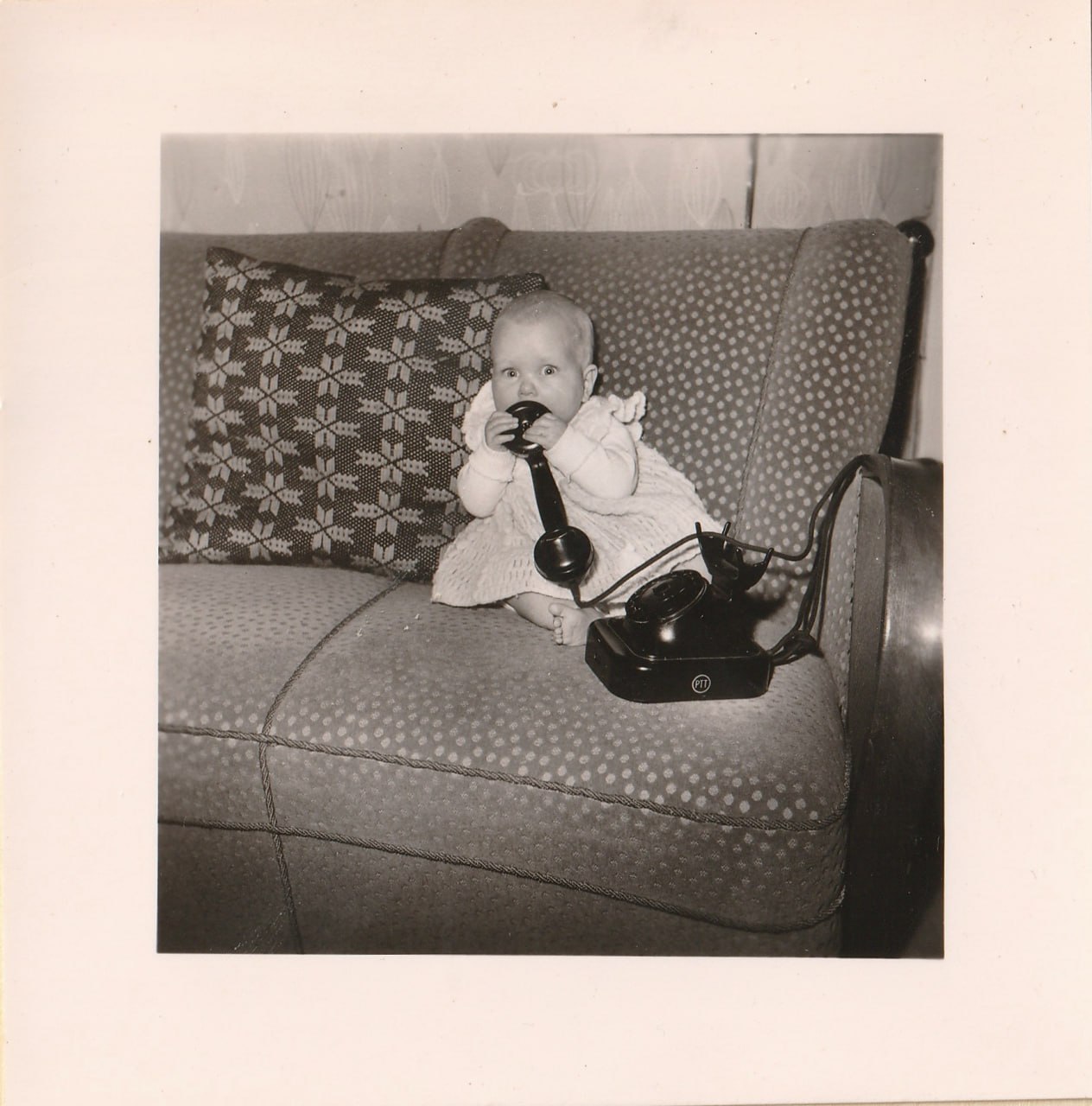
We didn't set out to start a tech company. We are just a couple with two young boys, and like a lot of families in Australia, our parents and closest friends are spread across the world. We desperately wanted our boys to have genuine, independent connections with them, but handing a toddler a smartphone felt completely wrong.
So, we built Rello just for us.
The magic happened almost instantly. Suddenly, the boys were picking up the receiver just to chat. We even caught them making cheeky calls to their granddad just to complain about Mum and Dad! It brought the simple, messy, beautiful reality of family life back into our living room, without the screens, scrolling, or strangers.
Rello brought our family closer together. Now, we’re so excited to bring Rello to homes across Australia.
– Paul & Juliette
Still have questions? Send Paul & Juliette an email.
The Rello Phone is a one-time hardware purchase that includes free Australian shipping, plus 5% off when you buy two or more. Your user account automatically comes with our free Rello Connect plan for calling between Rello apps and devices. If you want to check out current phone pricing, head over to our Meet Rello page. For all available account subscription plans and add-ons, visit our Subscriptions page.
No technician or wall jack needed! Rello connects wirelessly via Wi-Fi over your home internet. All you need is a standard power outlet.
By default, any phone number not on your approved contacts list is silently blocked before the Rello Phone rings. Scammers and spam callers cannot reach your home.
Yes, dialling 000 connects directly to emergency services and bypasses all whitelist filters whenever active power and home Wi-Fi are connected. We strongly advise maintaining a separate emergency calling method, such as a charged mobile phone, for use during power or network outages. Account holders can also disable emergency dialling for specific Rello Phones in the app to prevent accidental calls by young children.
Not necessarily. Rello-to-Rello calling is always free. With a paid landline subscription, your device gets a dedicated Australian landline number to call any standard mobile or landline.
No. The Rello Phone connects via Wi-Fi, so there’s no need to run Ethernet cables or keep it near your internet box. Just plug it into any standard power socket — or even a USB power bank — and place it anywhere with Wi-Fi coverage.
Have a specific question about setup, delivery, or account features?